A successful corporate event depends on people being able to hear the message, see the content, and follow the program. Whether you are planning an awards dinner, product launch, or annual conference, a few early decisions can make a significant difference.
Use this corporate event AV checklist to start the conversation with your production team.
Match the Audio to the Program
Start with who will be speaking—and how. A keynote presenter moving around the stage has different microphone needs from a seated panel or an executive speaking at a lectern.
Share the number of presenters, audience size, and room layout with your AV provider. Include audience questions, video playback, and live entertainment in that discussion so the sound system supports the entire program.
Make Every Screen Useful
Choosing between projection, large displays, and an LED video wall starts with the venue and your content. Screen size, placement, room brightness, and viewing distance all affect readability.
Presentation slides should be easy to read from the back of the room. Ask your production team for content dimensions before designing graphics, especially if you are using a wide LED wall.
Light the People on Stage
Decorative lighting can transform a ballroom, but presenters also need clear, comfortable stage lighting. That becomes especially important when cameras are feeding screens, recording the event, or providing a live stream.
Plan stage lighting alongside the video system so faces remain visible and the stage looks consistent both in person and on camera.
Build a Usable Show Schedule
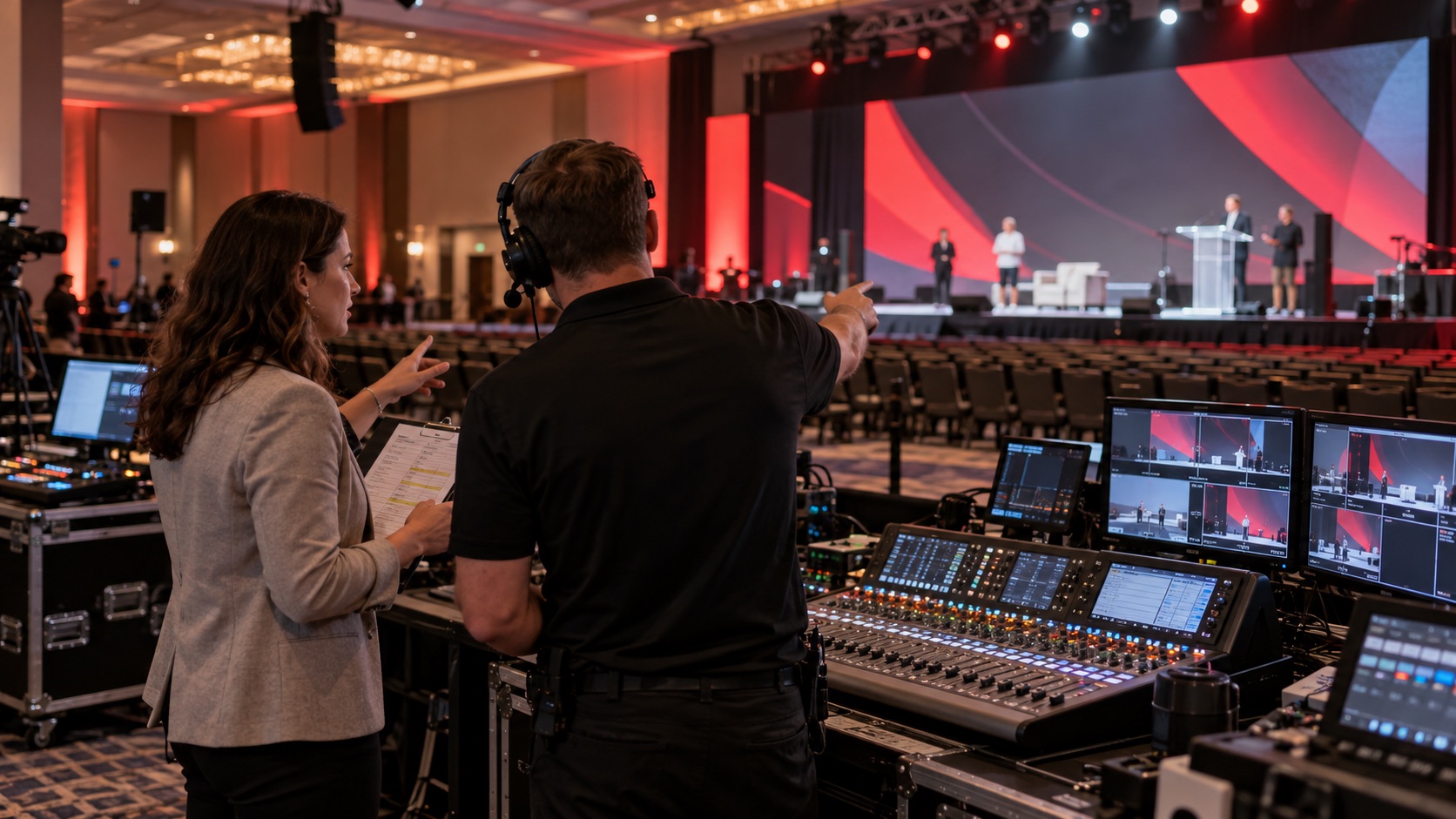
Your production crew needs more than the event’s start and finish times. Include presenter entrances, microphone handoffs, videos, awards, and transitions in the run of show.
Allow time for equipment setup, content testing, and a presenter rehearsal. A short walkthrough can catch an unreadable slide, a missing video soundtrack, or an unclear cue before the audience arrives.
Confirm Who Is Running the Show
Clarify who will advance slides, operate microphones, switch cameras, and call cues. Equipment rental and full production support are different scopes, so confirm the staffing your event requires.
Give presenters and event organizers one clear technical contact to keep questions and last-minute changes coordinated.
Plan Your Next Corporate Event with HPS
Harmonic Production Services provides audio, video, lighting, and live event production for corporate gatherings in Cleveland, Tennessee, and nationwide.
Visit HPS.live to discuss your venue, program, and production needs.